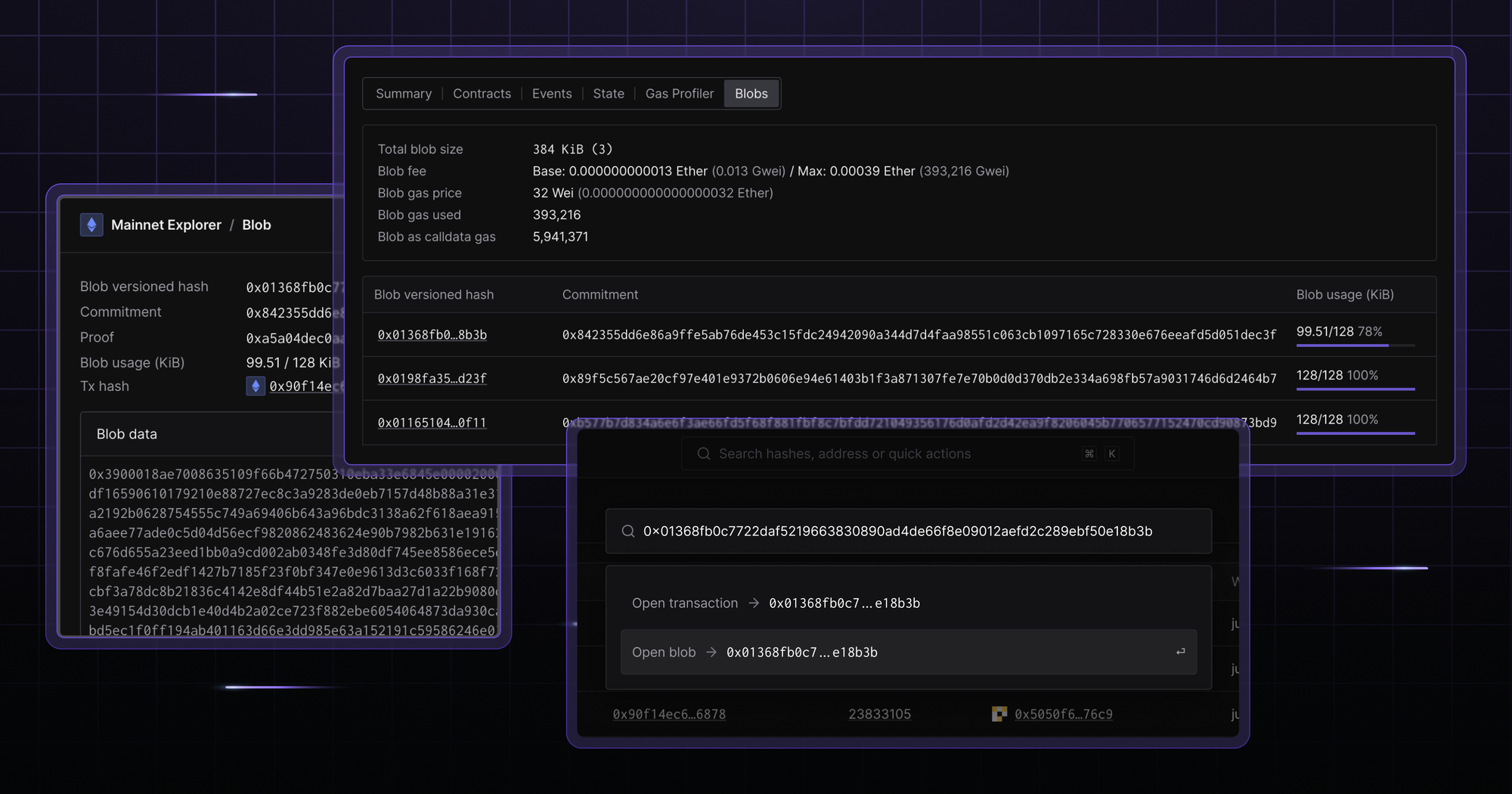
Access and verify blob data, analyze blob transactions, and examine their gas usage on a single or multiple chains right in Tenderly Explorer.
Search for blobs instantly
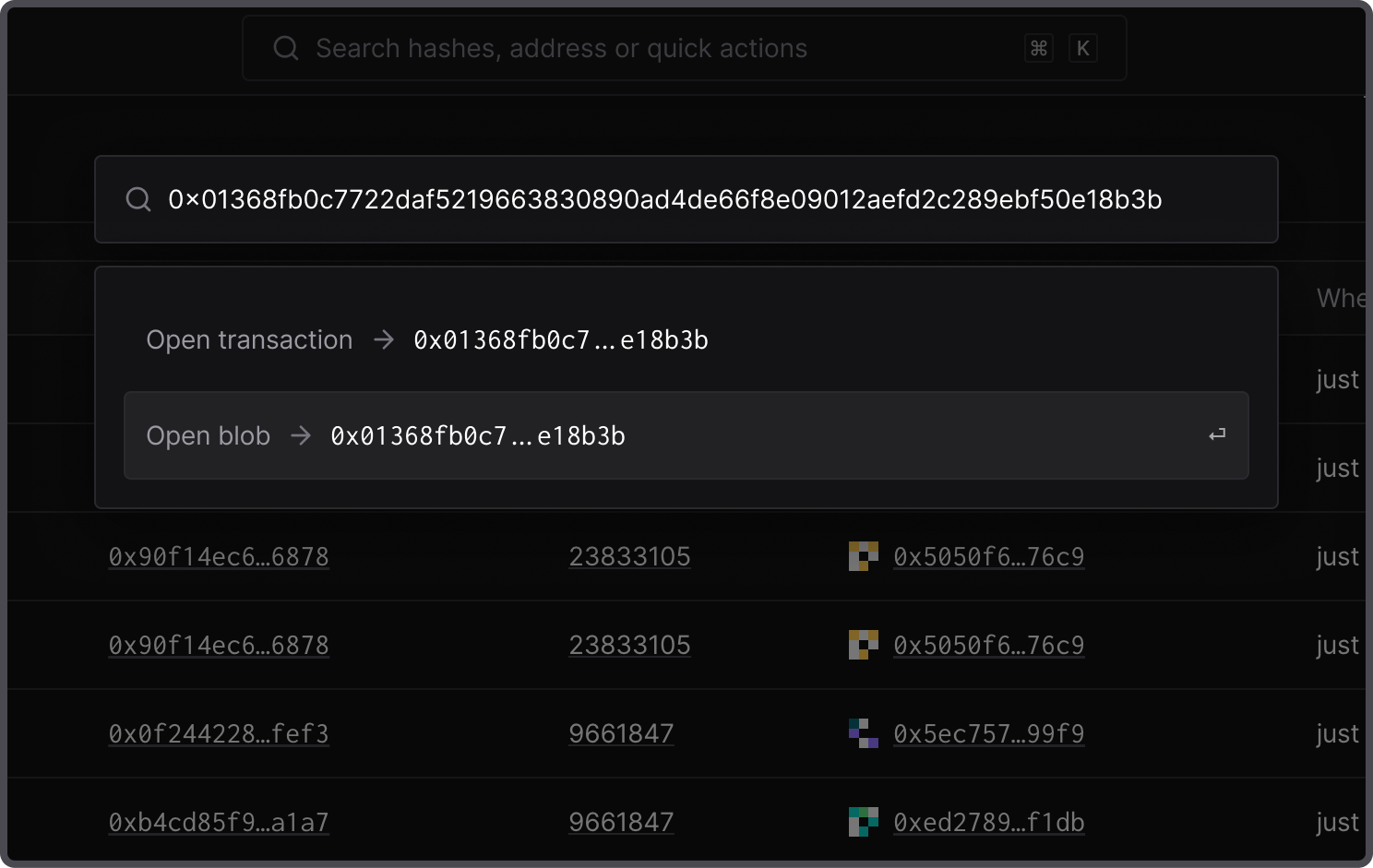
Find blobs across chains by typing in the hash in the search bar or using CMD + K. Type in the hash and choose between transaction or blob data to instantly open the overview.
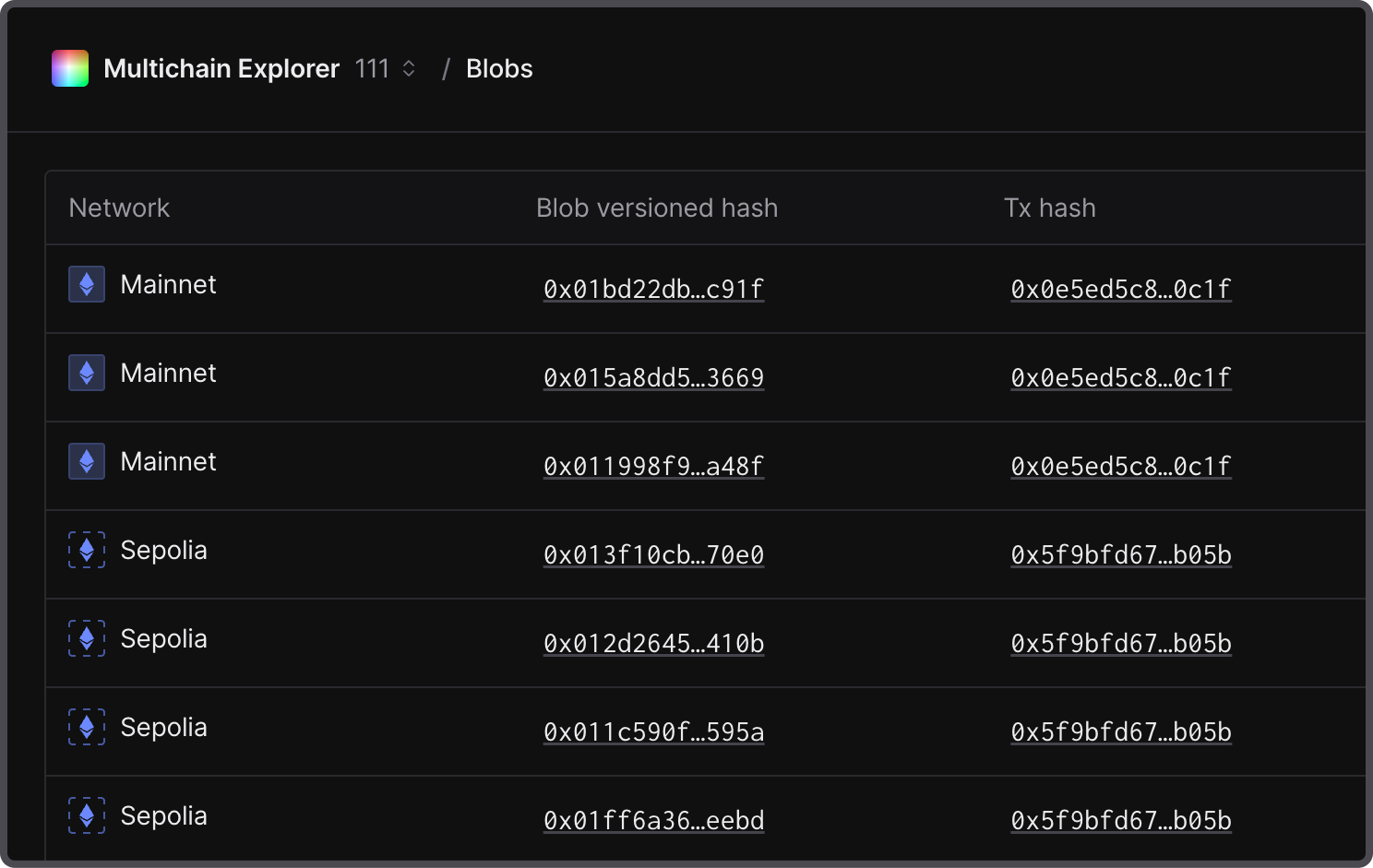
Get a list of the latest blobs
Get a single-chain or multichain overview of the latest blob transactions. Examine essential information on blob execution, including sender addresses, transaction hashes, and gas price. Additionally, analyze blob usage percentages and see how well your smart contracts are optimized.
Open a single blob view
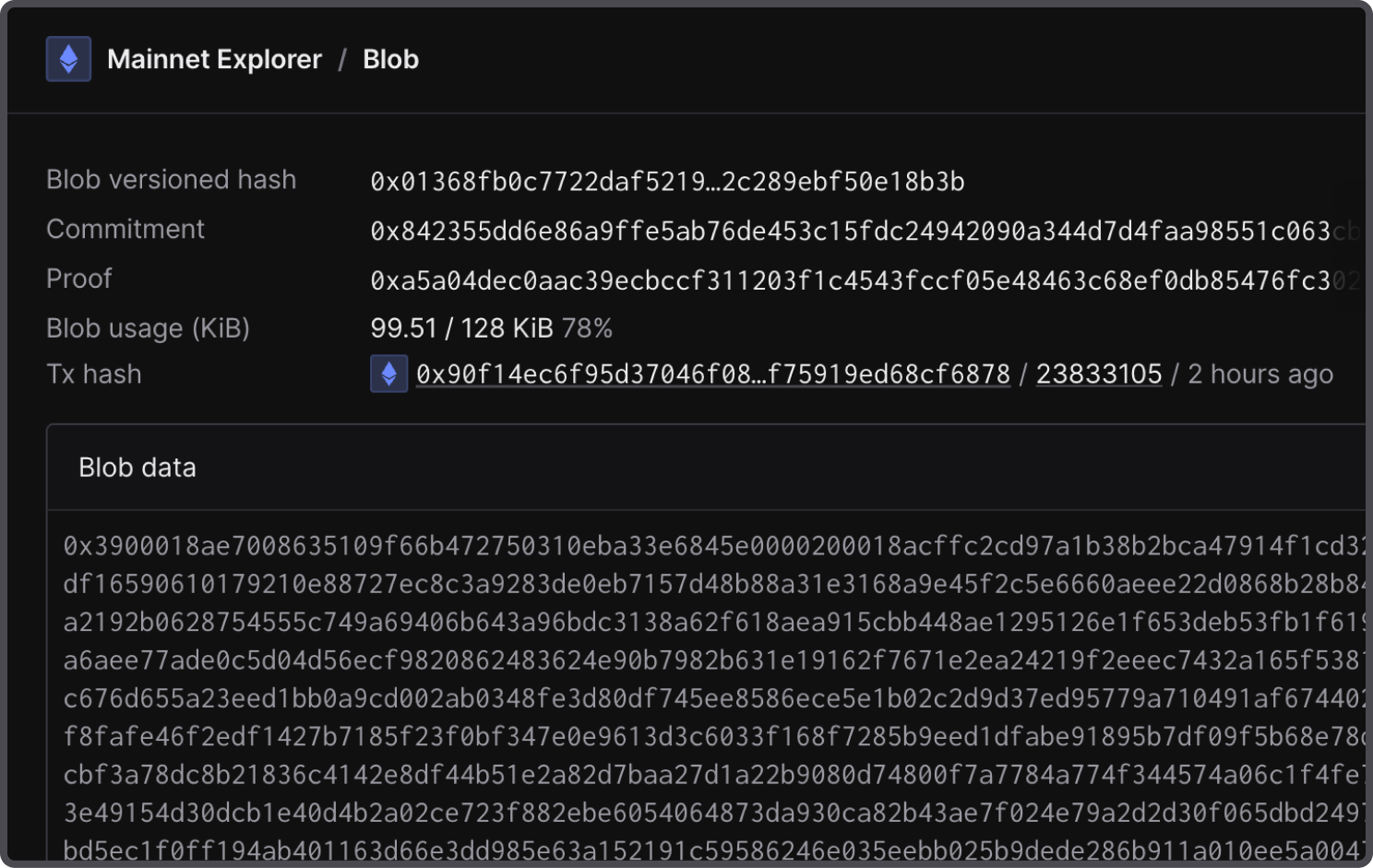
Open a dedicated blob page to access and copy the blob data easily. Here, see the details of a particular blob, such as its commitment and proof.
Explore blobs within transactions
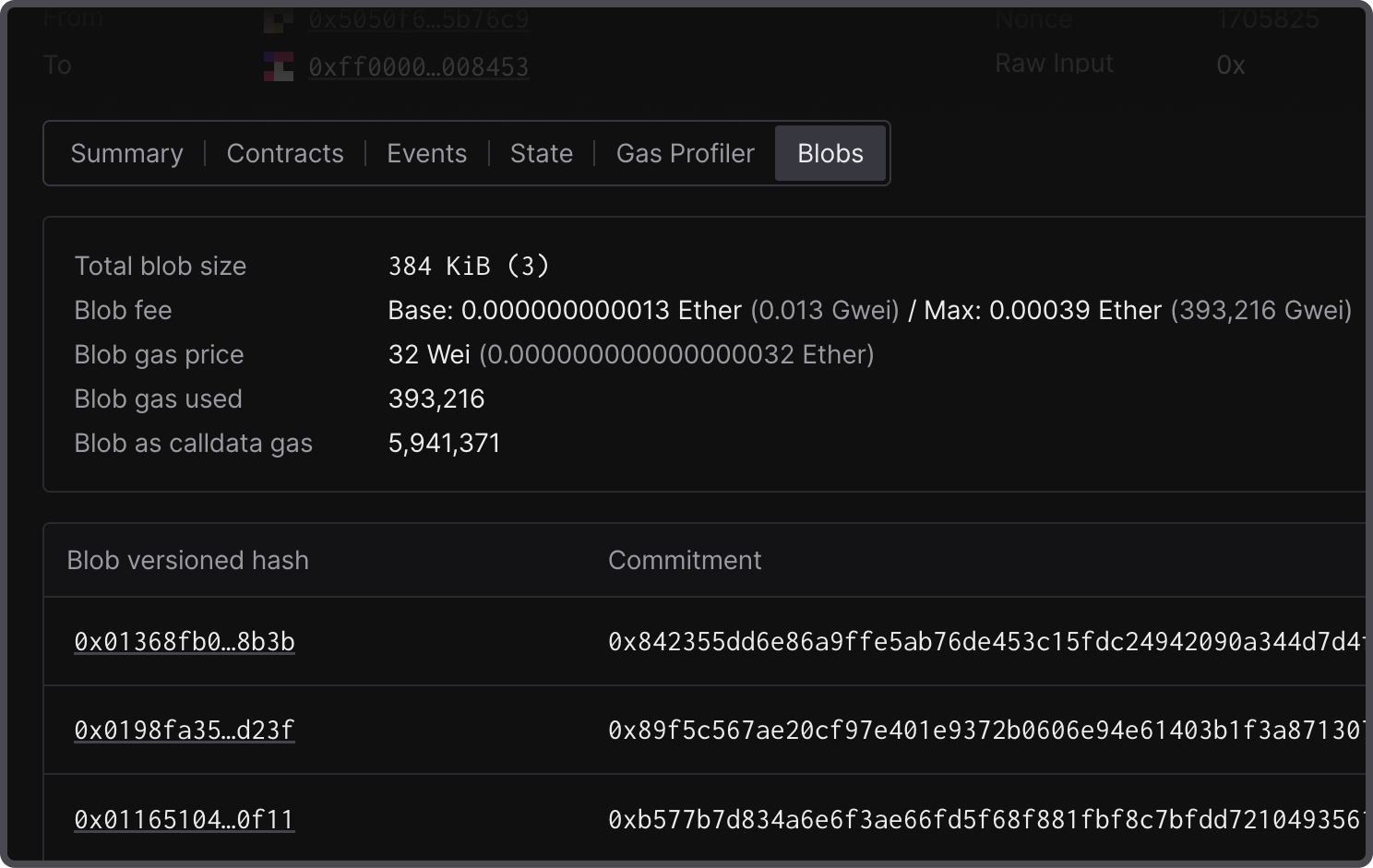
Analyze transactions involved in blob execution. Open a transaction to access the related blobs in the Blobs tab if any were submitted within that particular transaction. Here, you can get a glance at the total blob size, gas usage, and the hashes of different blob versions.
Analyze blobs within specific blocks
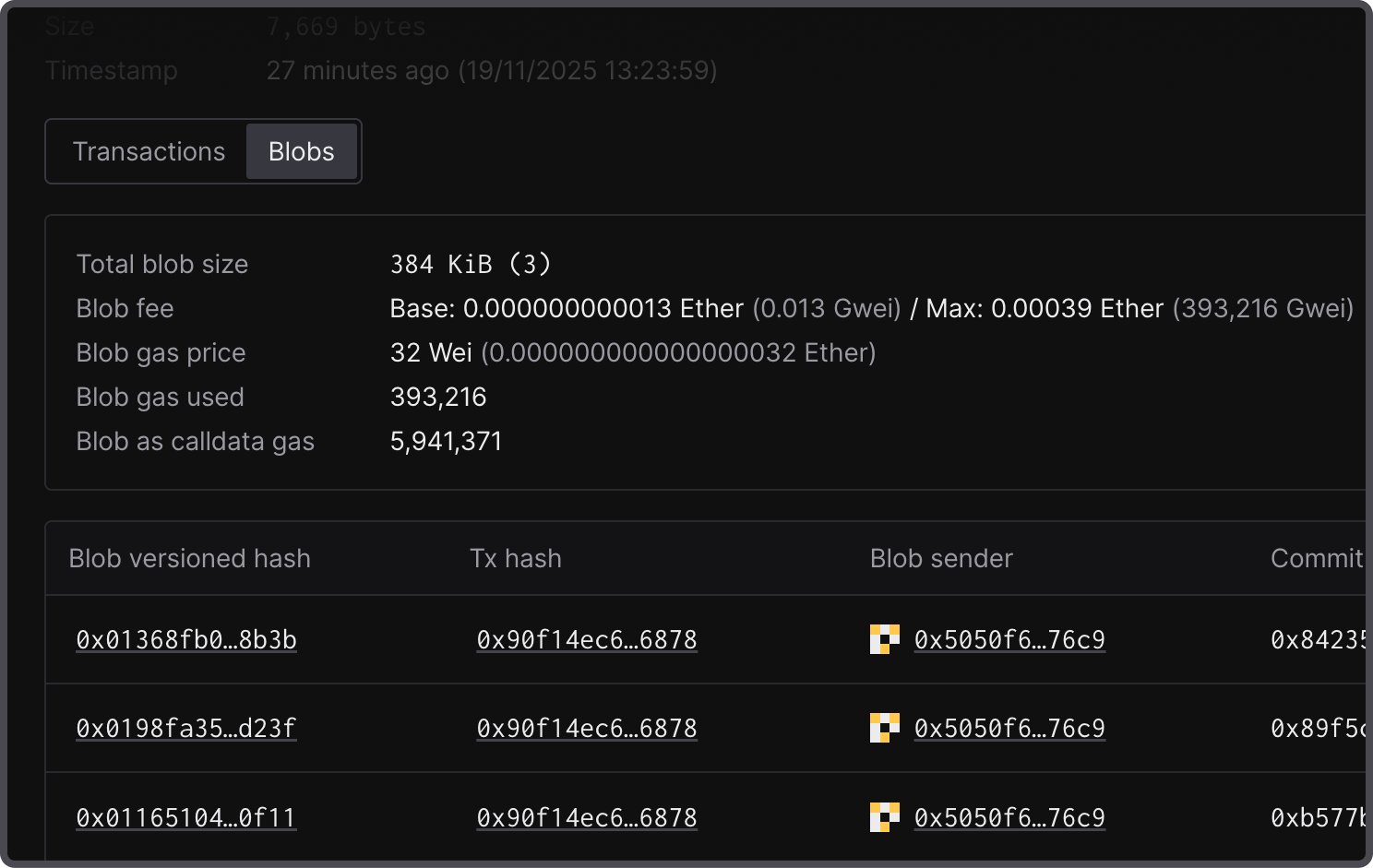
Identify which blobs were executed within specific blocks. Open a block and navigate to the Blobs tab to open an overview of the executed blobs together with their send addresses and related transactions.
Explore and analyze blobs with Tenderly
As part of Tenderly’s support of EIP-4844 and protodanksharding, you can explore blob data more easily. Analyze blob optimization, see whether your blobs were emitted from your transactions, and verify proper blob execution.