Fork 100+ EVM Chains Instantly in a Simple Virtual TestNet Creation Flow
Feb 24, 2026 • 22 days ago
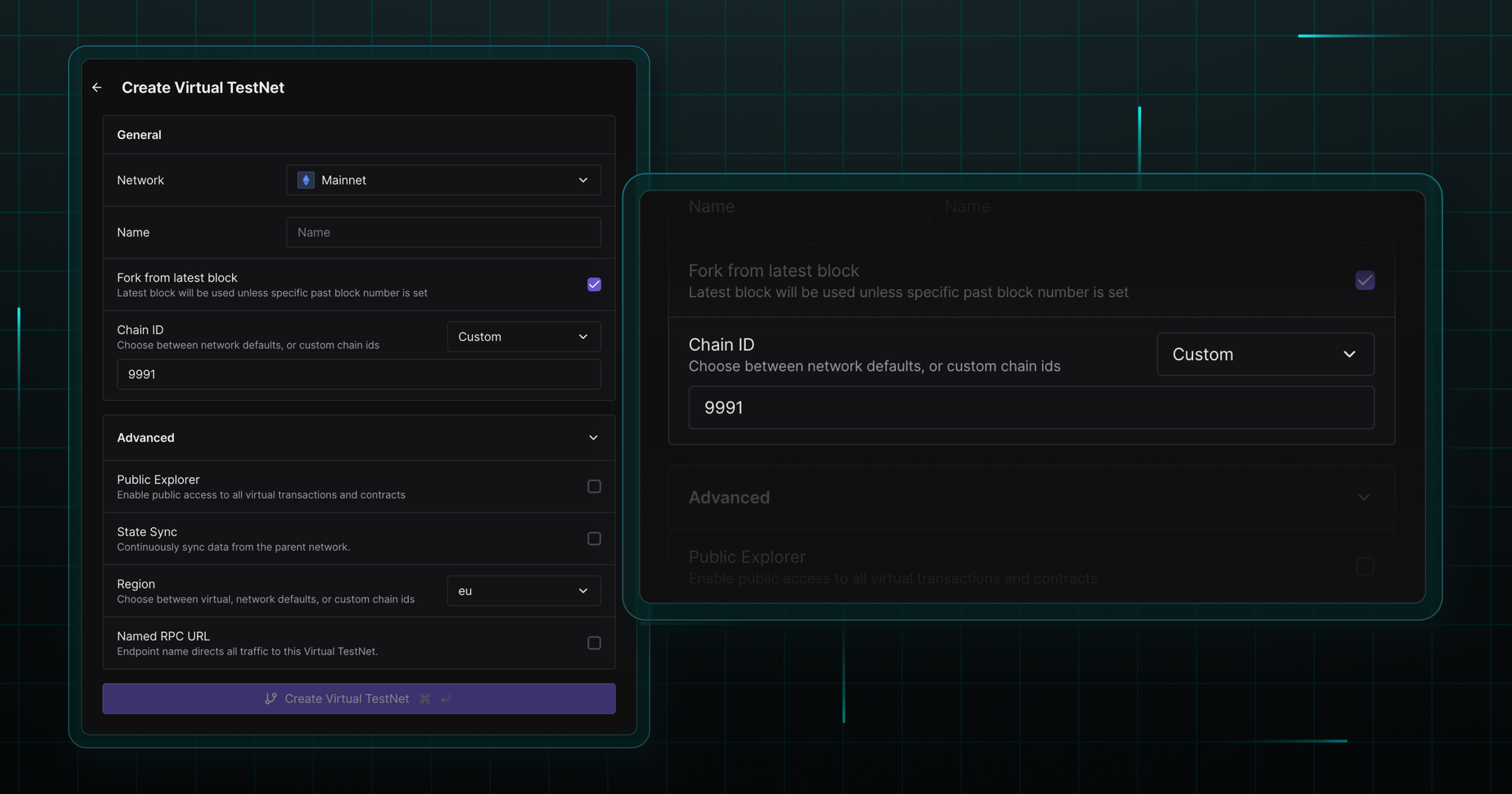
Fork any of the 100+ supported EVM chains instantly and set up a customizable development and testing infrastructure in a simple Virtual TestNet creation flow.
Fork a chain instantly following the redesigned creation flow
Remove the hassle of setting up a custom development and testing infrastructure with a zero-setup replacement. Head over to the Virtual TestNets tab in the Tenderly Dashboard, click the Create new Virtual TestNet button, and follow the redesigned flow.
In just a few clicks, your team gets a production-synced network replica with built-in dev tools and explorers.
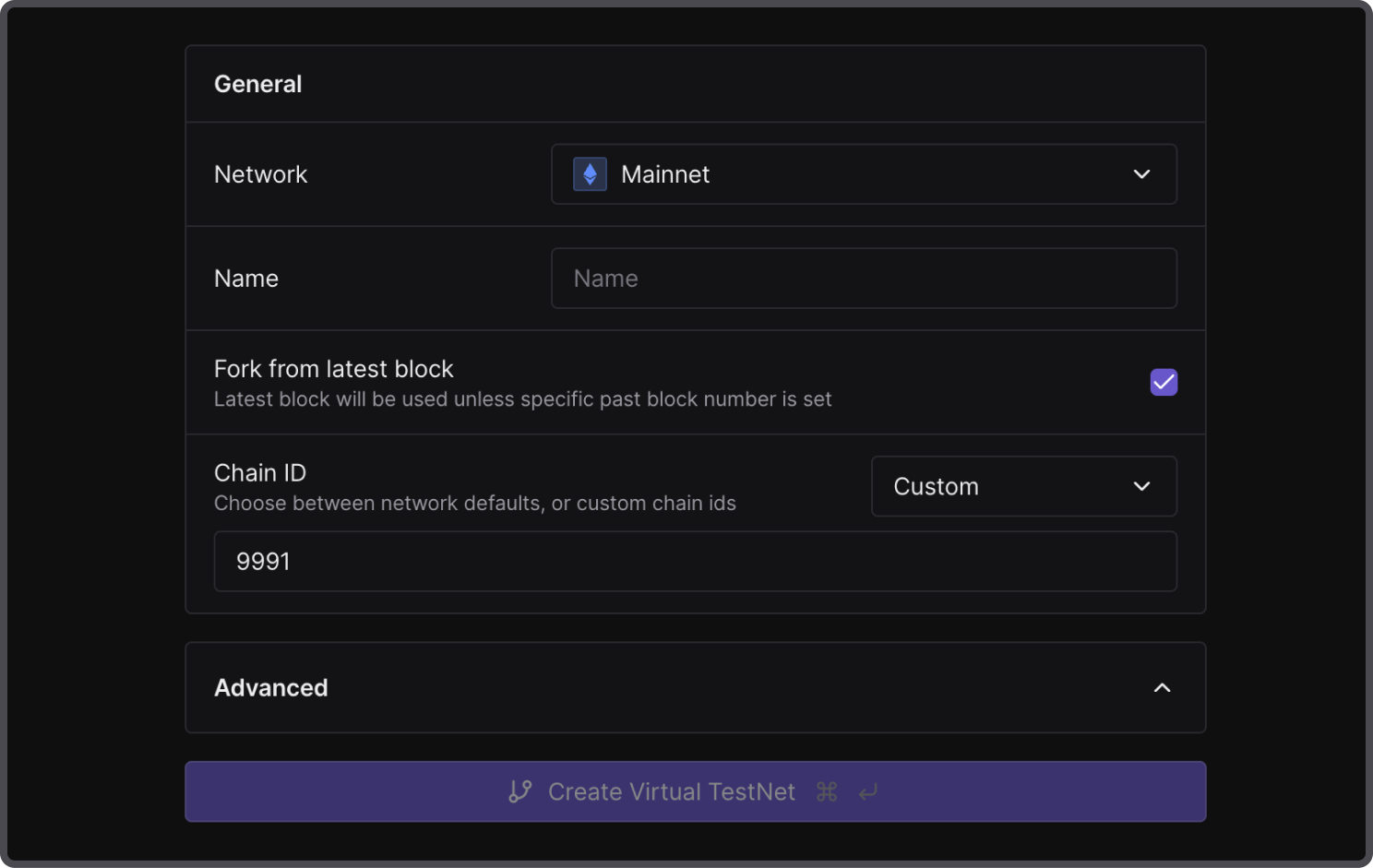
Use the custom chain ID
The chain ID is set to custom by default, clearly labeling your development and testing environment and creating a distinction from production chains. Use the default chain ID (the 999 prefix + network ID) or create your own in the ID input field.
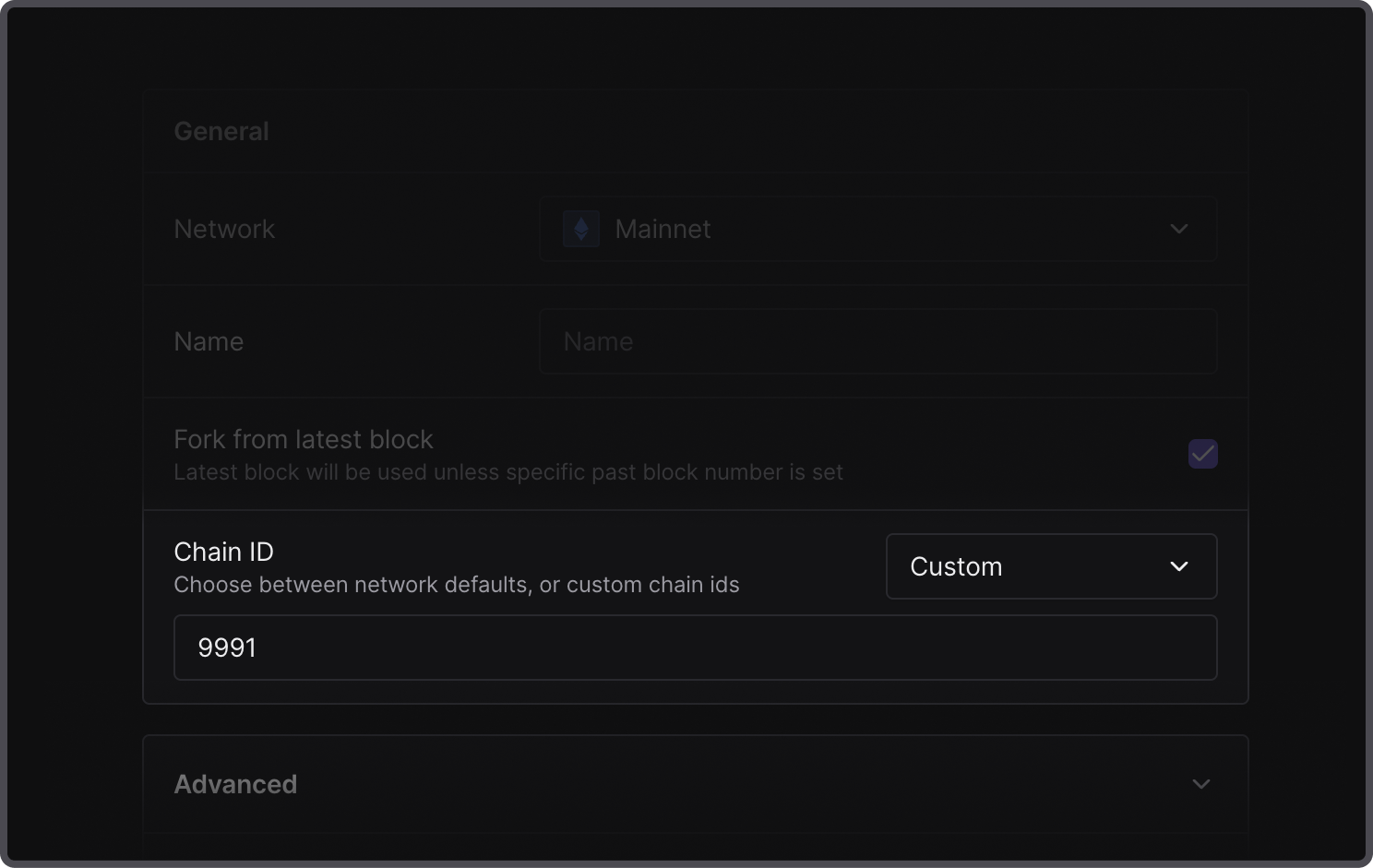
While you can also use the original chain ID for your Virtual TestNet environments, it’s highly recommended to set a custom one to prevent replay attacks and mitigate potential scams.
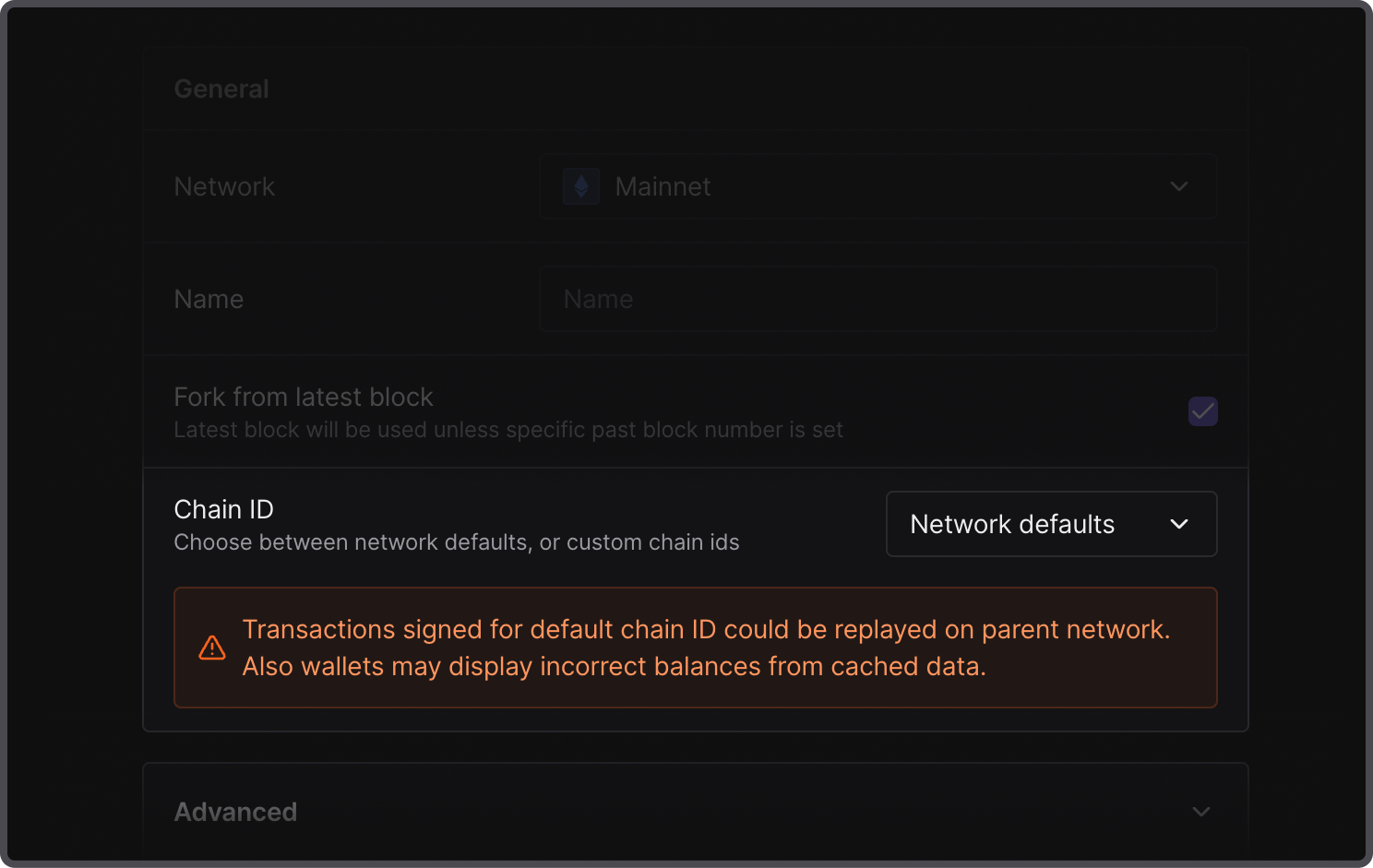
Additionally, by using a custom chain ID, you ensure that wallets display the accurate balances of test tokens. Otherwise, they may show incorrect balances by fetching cached data.
Fork a chain in milliseconds and start building
Speed up your development cycles by replacing time-consuming custom setups and congested public testnets with fully synced production replicas. Use Virtual TestNets to quickly set up fully customizable development and testing environments for your teams.