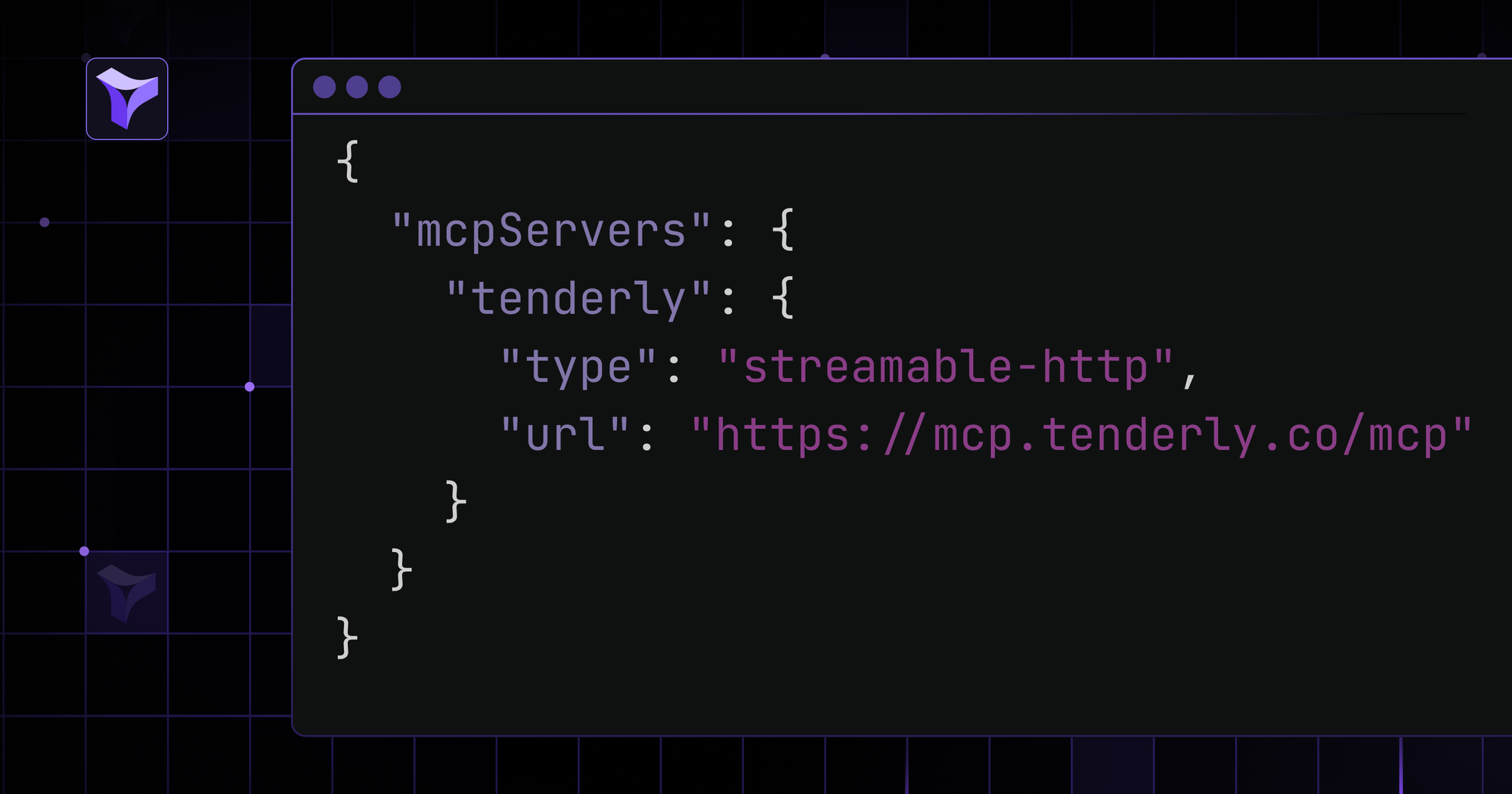
You can now simulate transactions, debug onchain activity, manage Virtual TestNets, and inspect contracts using the Tenderly MCP Server. The server works with Claude Code, Claude.ai, Claude Desktop, Cursor, and VS Code.
Power your AI workflow with Tenderly’s essential tools
Use the Tenderly MCP Server to connect to your account and get access to 33 essential debugging, simulation, and testing tools across six groups:
- Simulate transactions on any supported EVM network. Preview execution details, including emitted events, asset transfers, and balance changes with USD values. Resimulate existing transactions to debug unexpected behavior and validate fixes before executing onchain.
- Trace onchain and Virtual TestNet transactions with full execution data. Pinpoint exactly which internal call failed with decoded revert reasons. Use the gas breakdown to find gas-intensive lines of code for optimization.
- Manage Virtual TestNets to build and test faster on production-synced replicas. For any supported EVM chain, fund wallets with infinite test accounts, impersonate transactions without private keys, and manage your environments with ease.
- Inspect and analyze contracts by retrieving contract metadata for any address, including the contract name, ABI, compiler version, token standards, and creation info.
- Find relevant EVM networks by browsing all supported networks and applying filters to find the one you need.
- Manage and switch between your Tenderly projects, get the account information, and set an active account for the other MCP tools.
Complete real-world dev tasks faster
Connect to the Tenderly MCP server to speed up real development workflows by simply describing what you’d like to achieve. For instance:
- Fork a chain with Virtual TestNets and fund a wallet with 100 test ETH
- Simulate a swap of 1 ETH for USDC on Uniswap V3 from a specific address
- Test complex, multi-step interactions on Virtual TestNets to validate the entire flow
- Troubleshoot failed transactions with a clear explanation of the revert reason
- Impersonate, send, and trace a transaction with detailed information on the execution
- Analyze gas usage with a granular breakdown and identify what lines of code to optimize
Get started with the Tenderly MCP Server
Connect to the Tenderly MCP server with a single command:
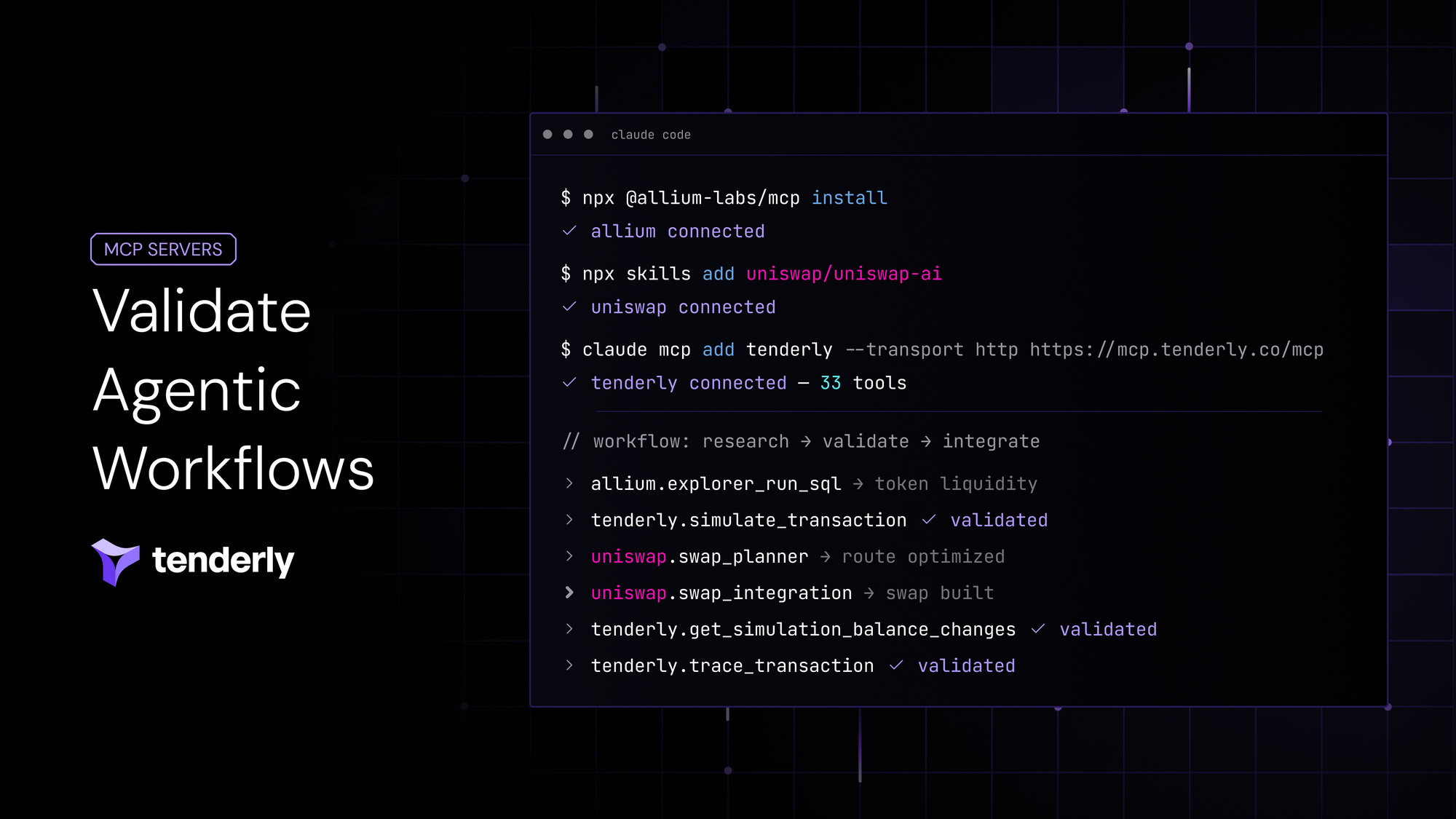
claude mcp add tenderly --transport http https://mcp.tenderly.co/mcp
Run /mcp inside Claude Code, select tenderly, and follow the browser login to authenticate.
For detailed information and additional examples, dive into the Tenderly MCP Server documentation.