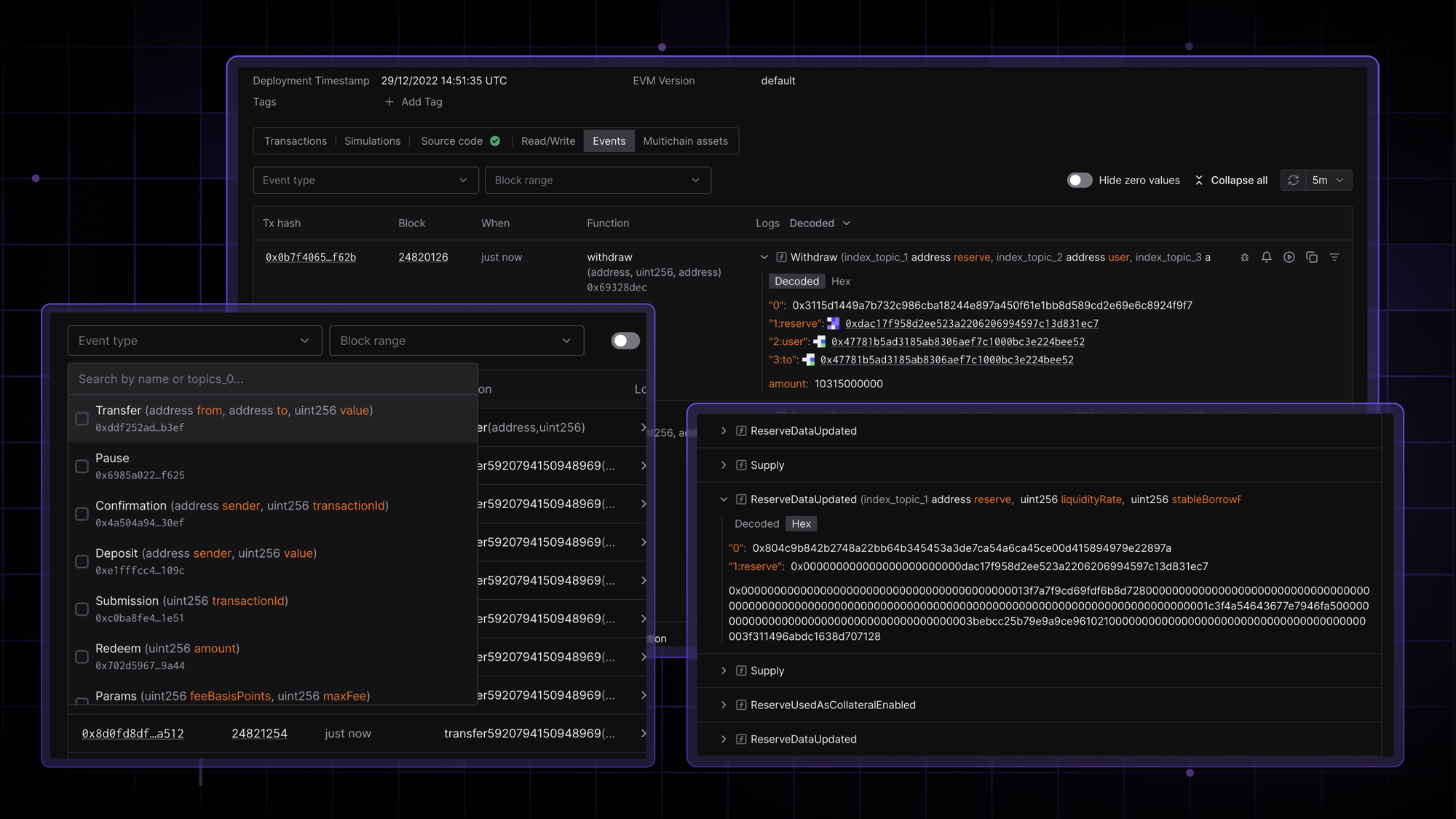
Analyze the full history of events a contract has ever emitted, fully filterable by decoded names at a contract level. Take a quick look at all events at a glance, dig deeper by expanding specific ones, and take action directly from the contract page in Tenderly.
See the full history of emitted events
Examine all events a contract has emitted over time, with the full history available in a single place. Open the Events tab on a contract page to inspect all events across related transactions, along with the transaction hash, block number, decoded function name, and event details.
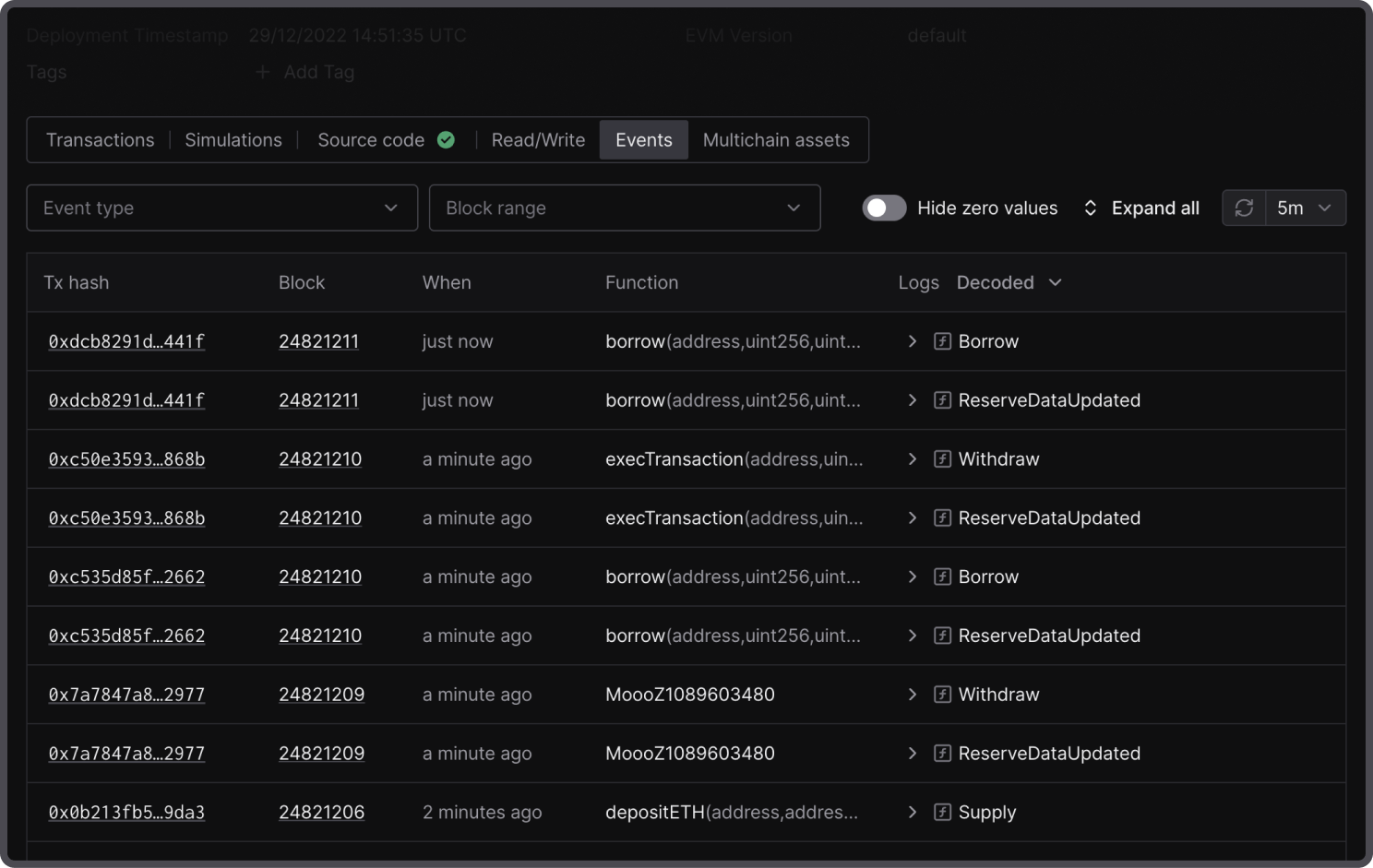
If a single transaction emits multiple events, each event appears as a separate row so you can scan event types across the contract without digging into individual transactions.
Expand events to inspect decoded parameters
Open the event log to inspect additional information in a human-readable format, including the event name, signature, and decoded parameters.
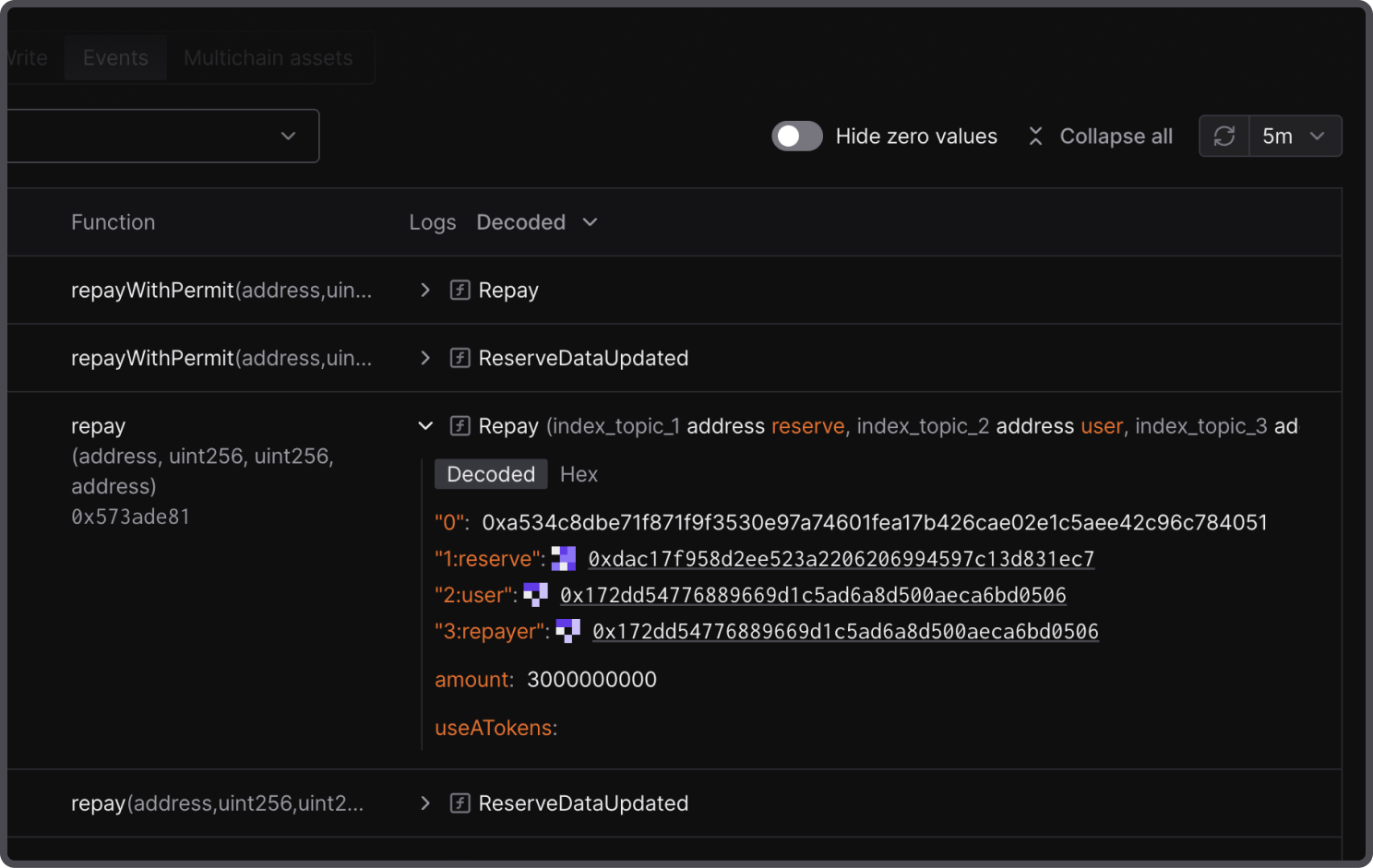
Open only the events you need, or use Expand all and Collapse all to step through every event on the page sequentially.
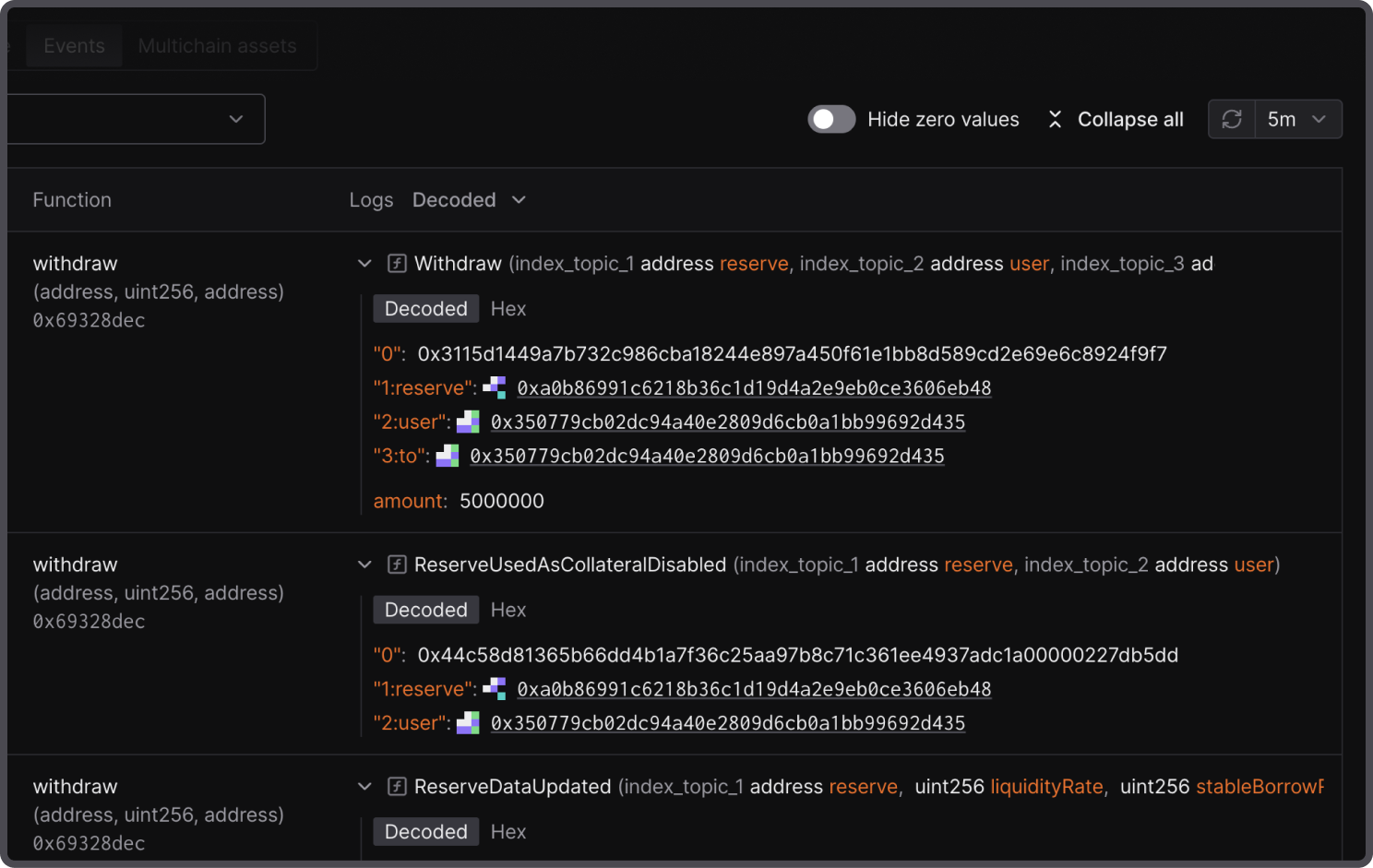
Switch between decoded and hex formats
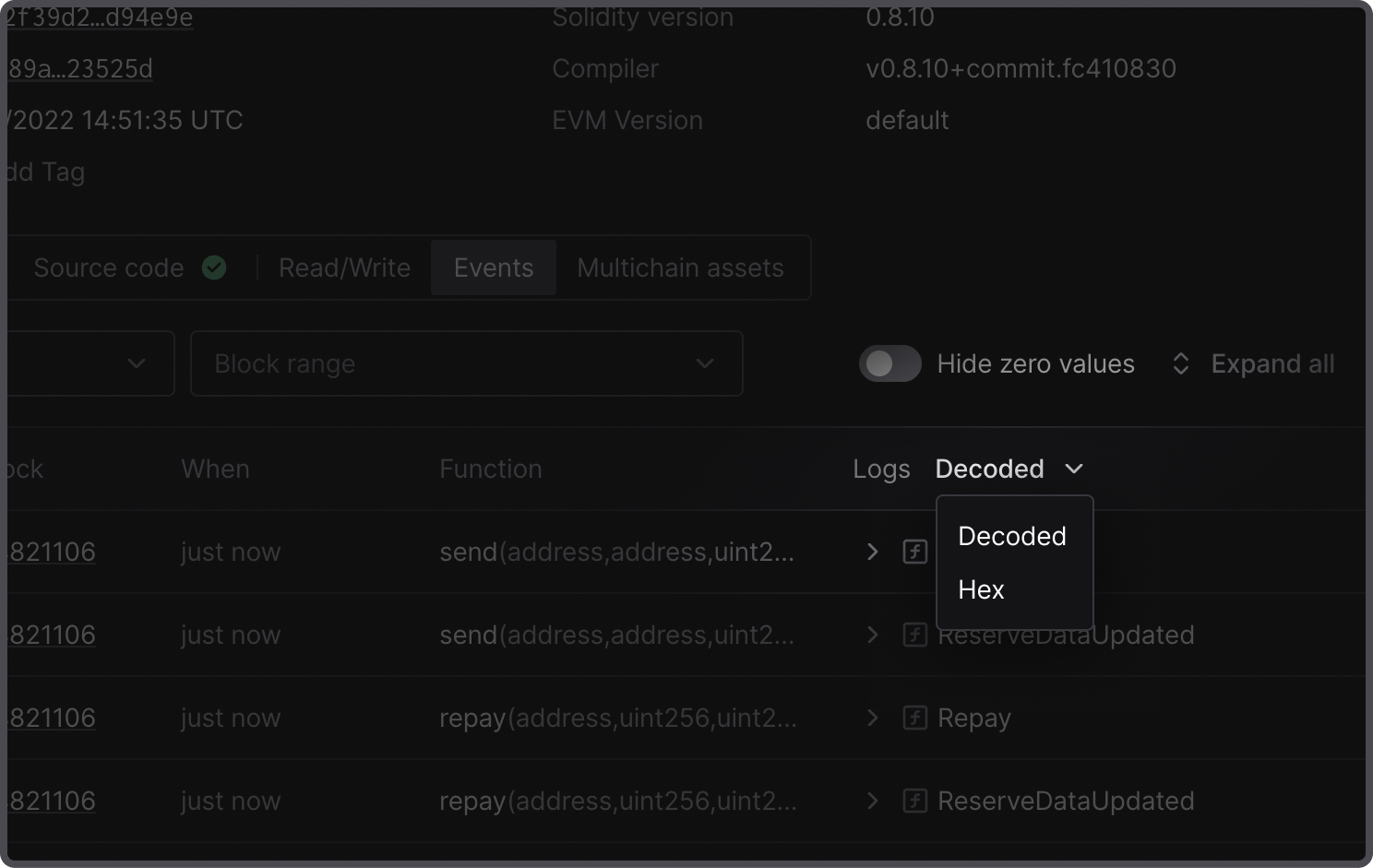
Choose how you read event data with a global format drop-down that switches between Decoded and Hex values for all events on the page.
After expanding an individual event, switch between decoded and hex values to focus on the raw or decoded data for that particular log.
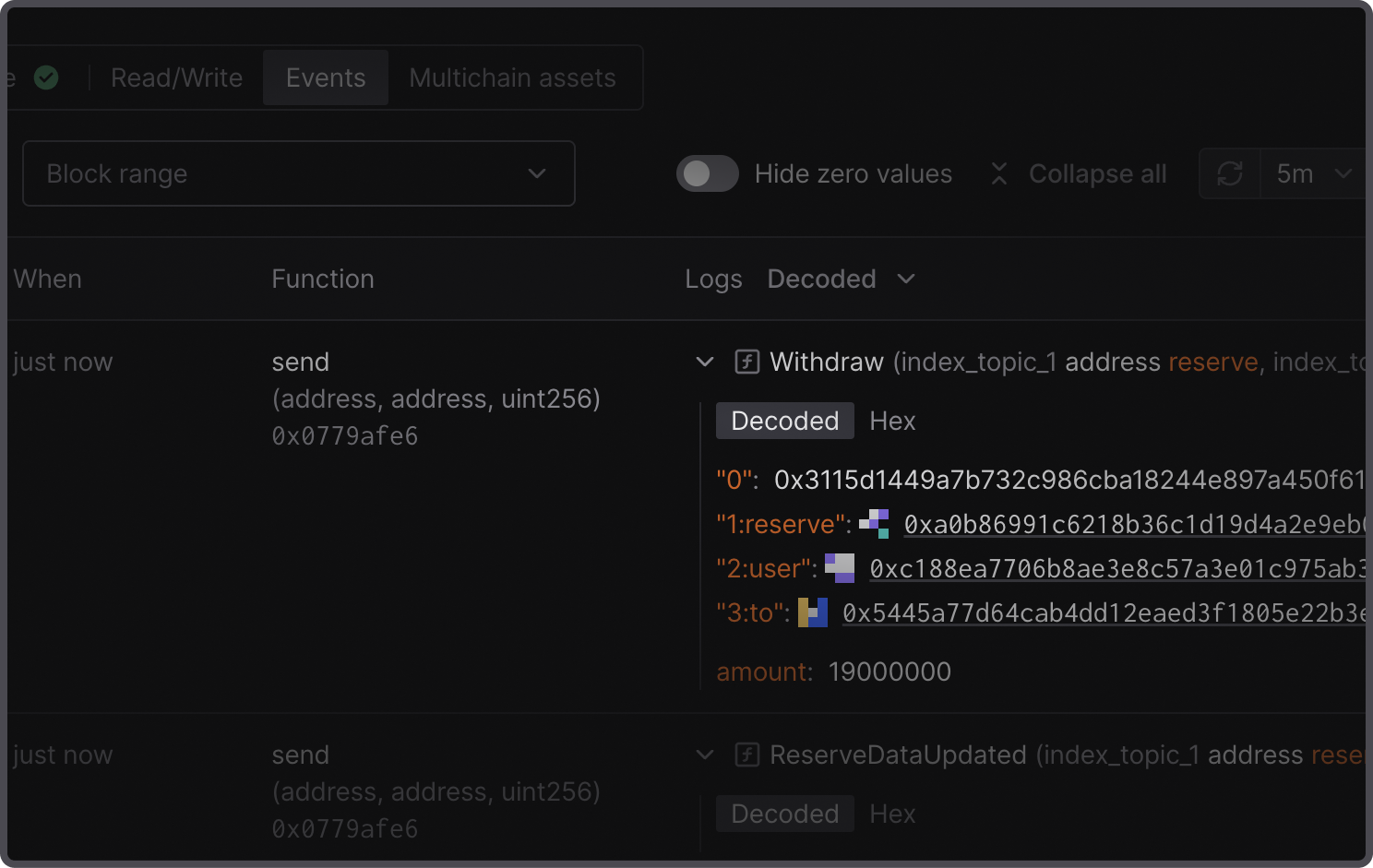
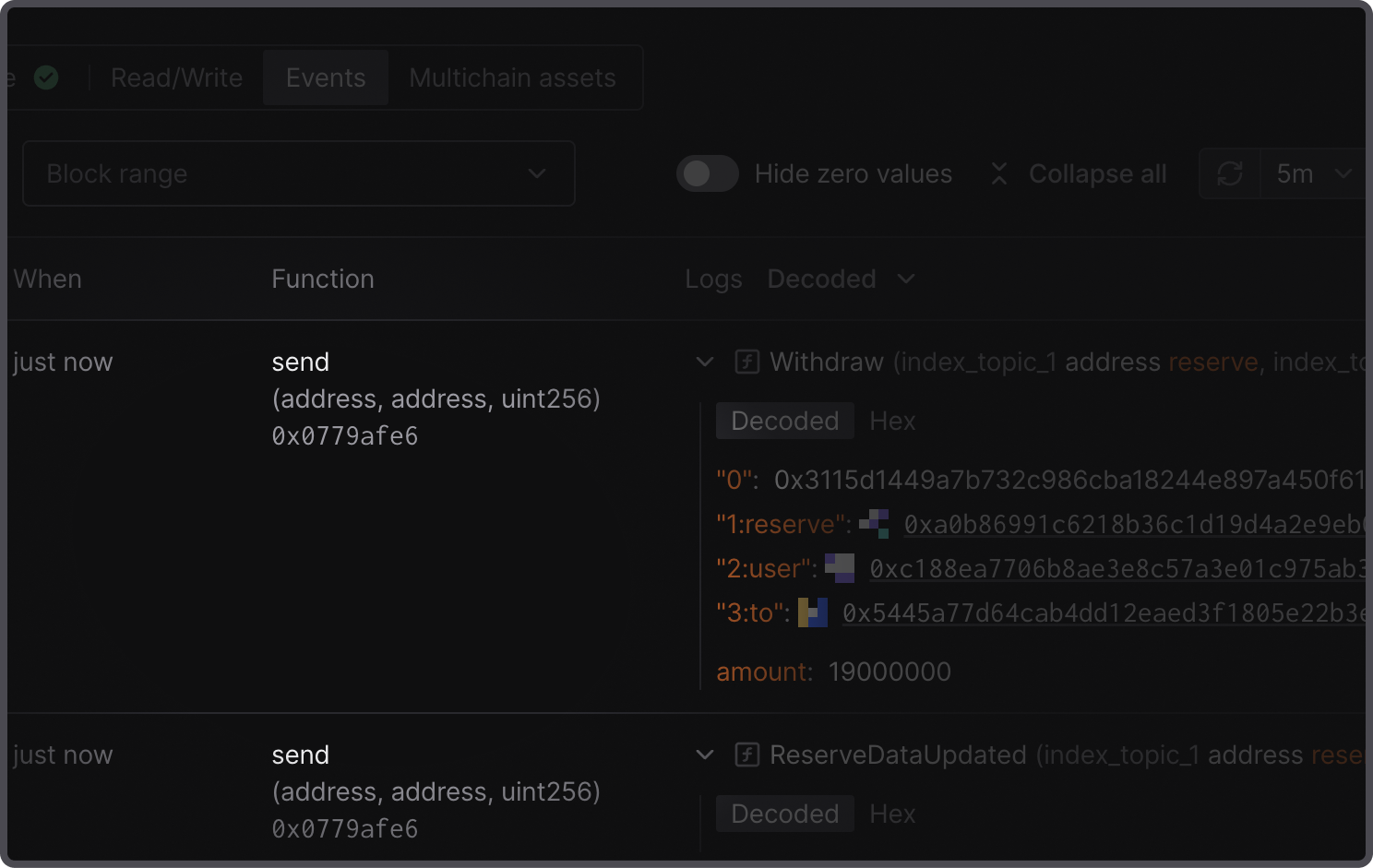
In the function column, verified contracts show the decoded function name by default, while unverified contracts show the raw function.
Take action on any event instantly
No need to switch tabs to inspect an emitted event or replay the transaction with its execution.
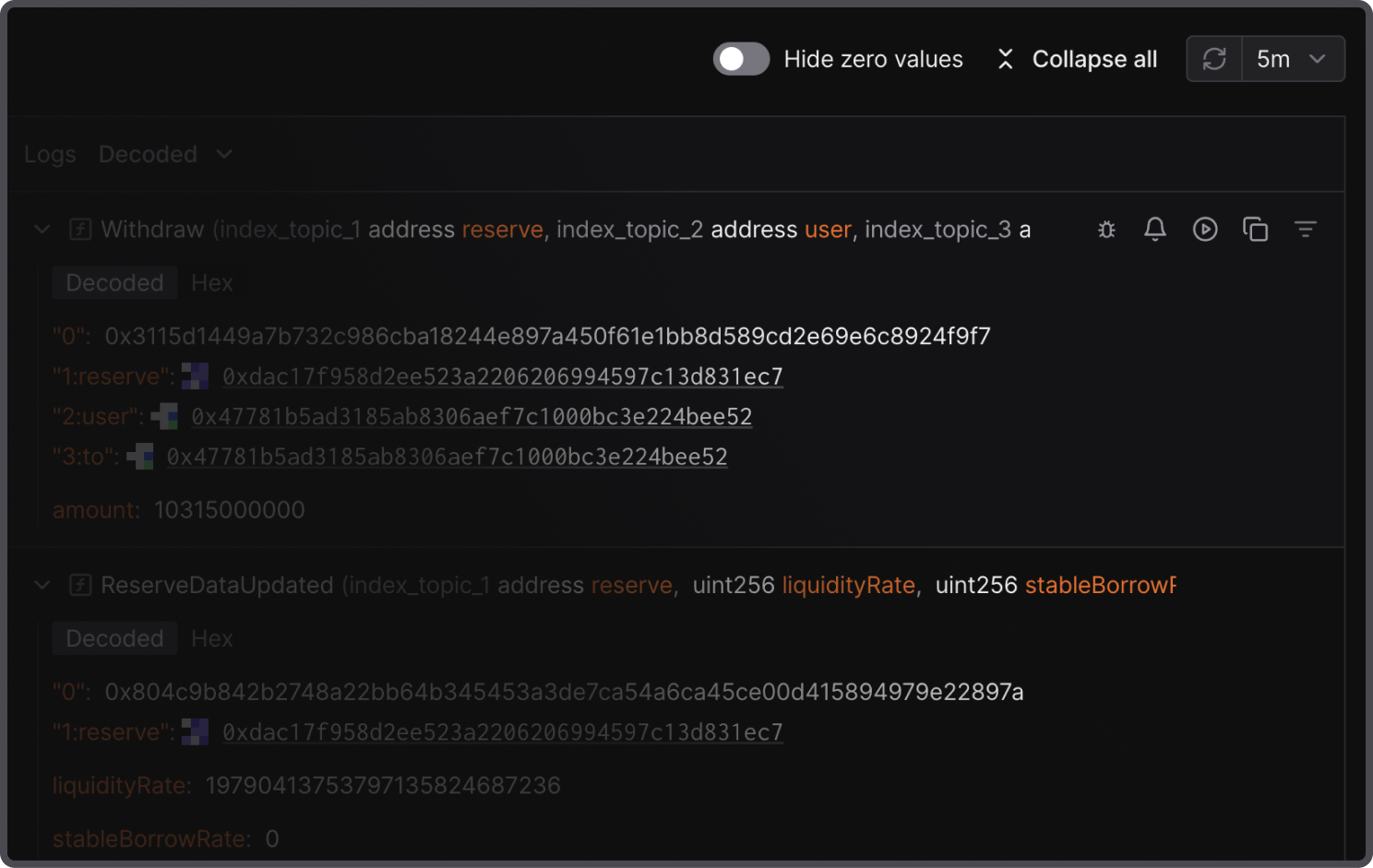
Hover over any event to perform a quick action:
- Debug: Open the Debugger at the exact line of code that emitted the event.
- Set up an alert: Create a pre-populated alert with the event as the trigger and the contract address.
- Simulate: Replay the transaction in Simulator with prefilled parameters that you can easily modify.
- Copy: Copy the entire event in JSON format.
- Filter by topic0: Apply a contextual filter to show only events of this type.
Filter events by decoded parameters
Aside from filtering by topic0 on the exact event line, apply filter by decoded event names and other parameters in the navigation bar to quickly find and inspect relevant events. Filters apply across the full event history, so you can search every event the contract has emitted.
Filter by decoded name, signature, or topic0
Narrow down the event list with a multi-select filter using decoded event names instead of raw hex values. Search by human-readable event name to find, for instance, all Swap or Transfer events, or paste a topic0 hash to filter by the exact event signature.
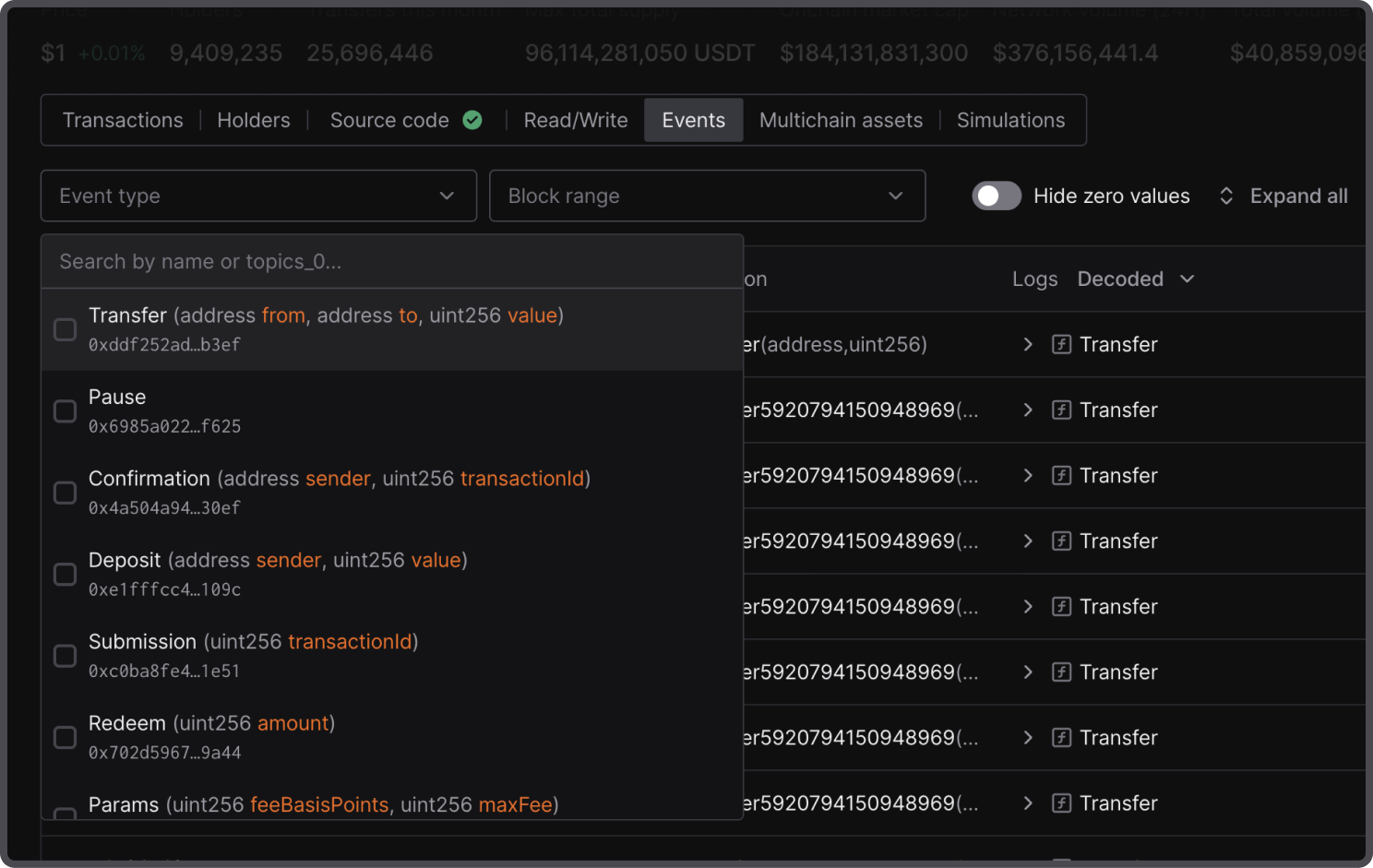
Select multiple event types to see related events together. For example, filter Transfer and Approval events for token operations.
Filter by block range or timestamp
Scope events to a specific window using the block range filter. Set a start block, an end block, or both to isolate events within a defined range. Switch to a UNIX timestamp range to filter by date and time instead.
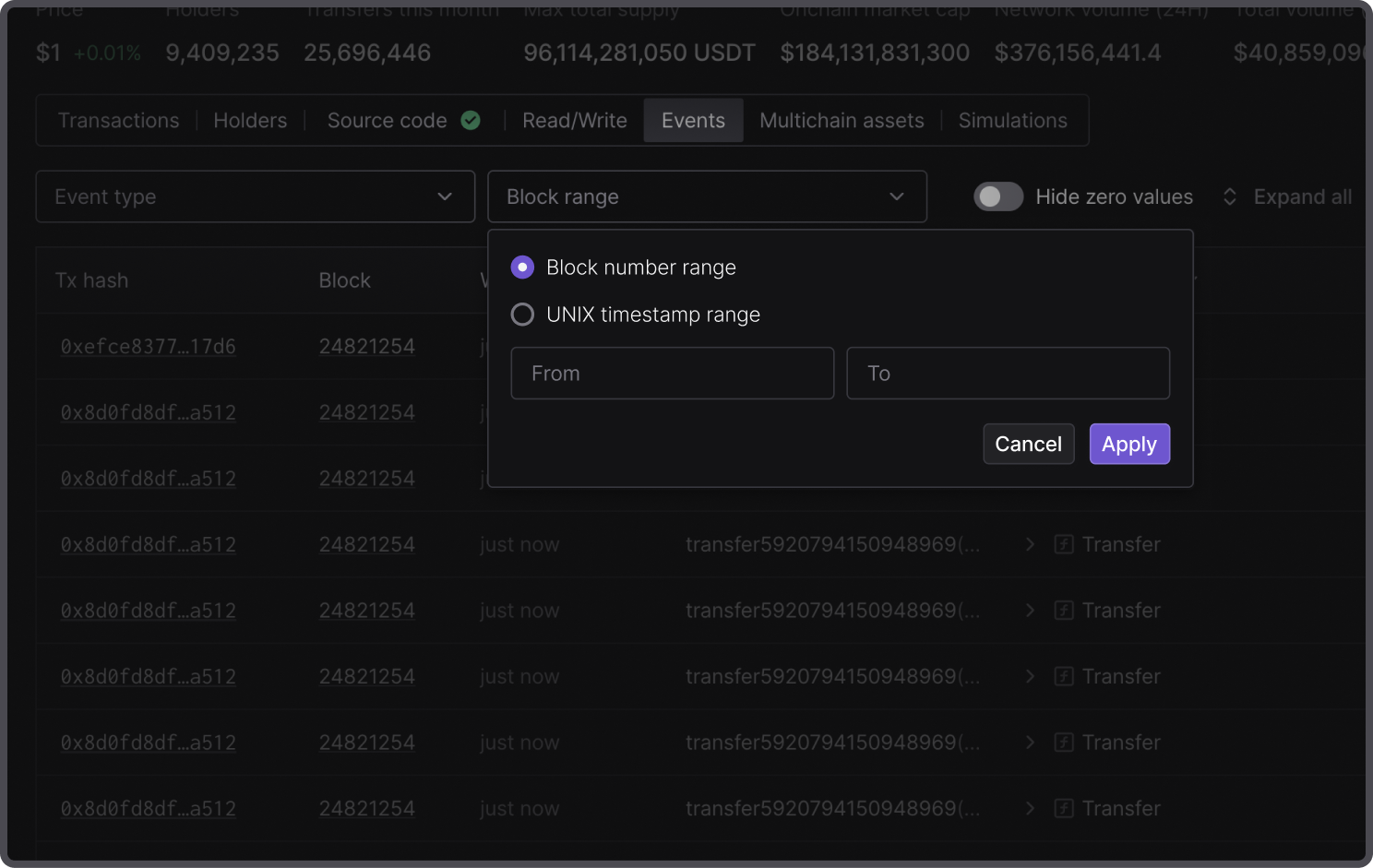
Hide zero-value events
Focus on the events that emit meaningful changes by toggling Hide zero values in the navigation bar. This way, you can remove noise from contracts that emit high volumes of zero-amount transfers.
Explore, filter, and search the full history of contract events
Understand what happened at a contract level by analyzing the emitted events of all related transactions. Get a quick overview of the full history of emitted events, inspect them at a glance, or dig deeper into specific ones.