Impersonate Any Account Across the Dashboard With Simulation Mode
Jun 8, 2026 • 18 minutes ago
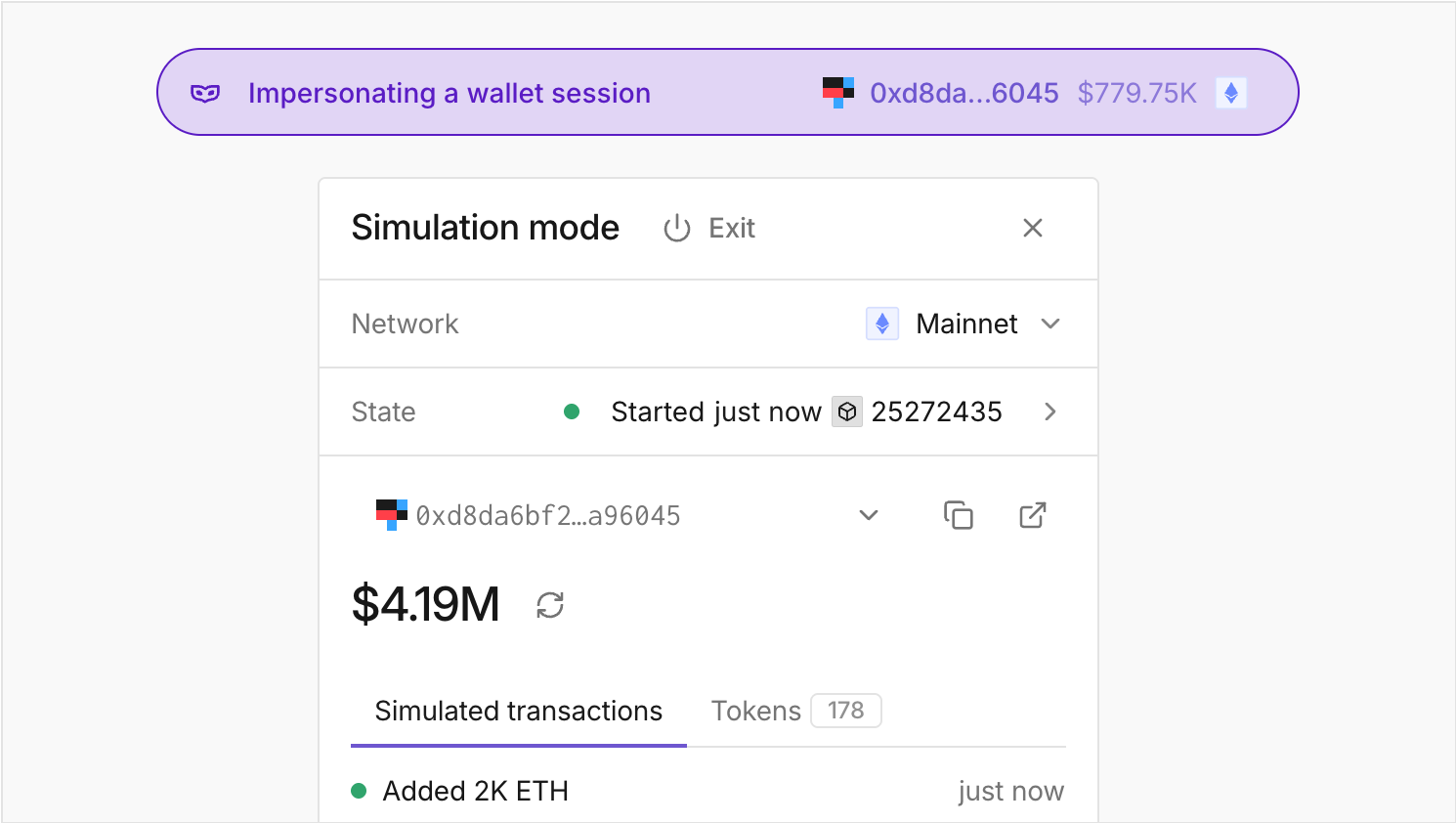
Model different financial strategies against a wallet's actual portfolio or reproduce users’ actions when an issue is reported. Enter Simulation Mode to impersonate accounts across Tenderly without requiring a private key or affecting the production state.
Step into any wallet, in any state
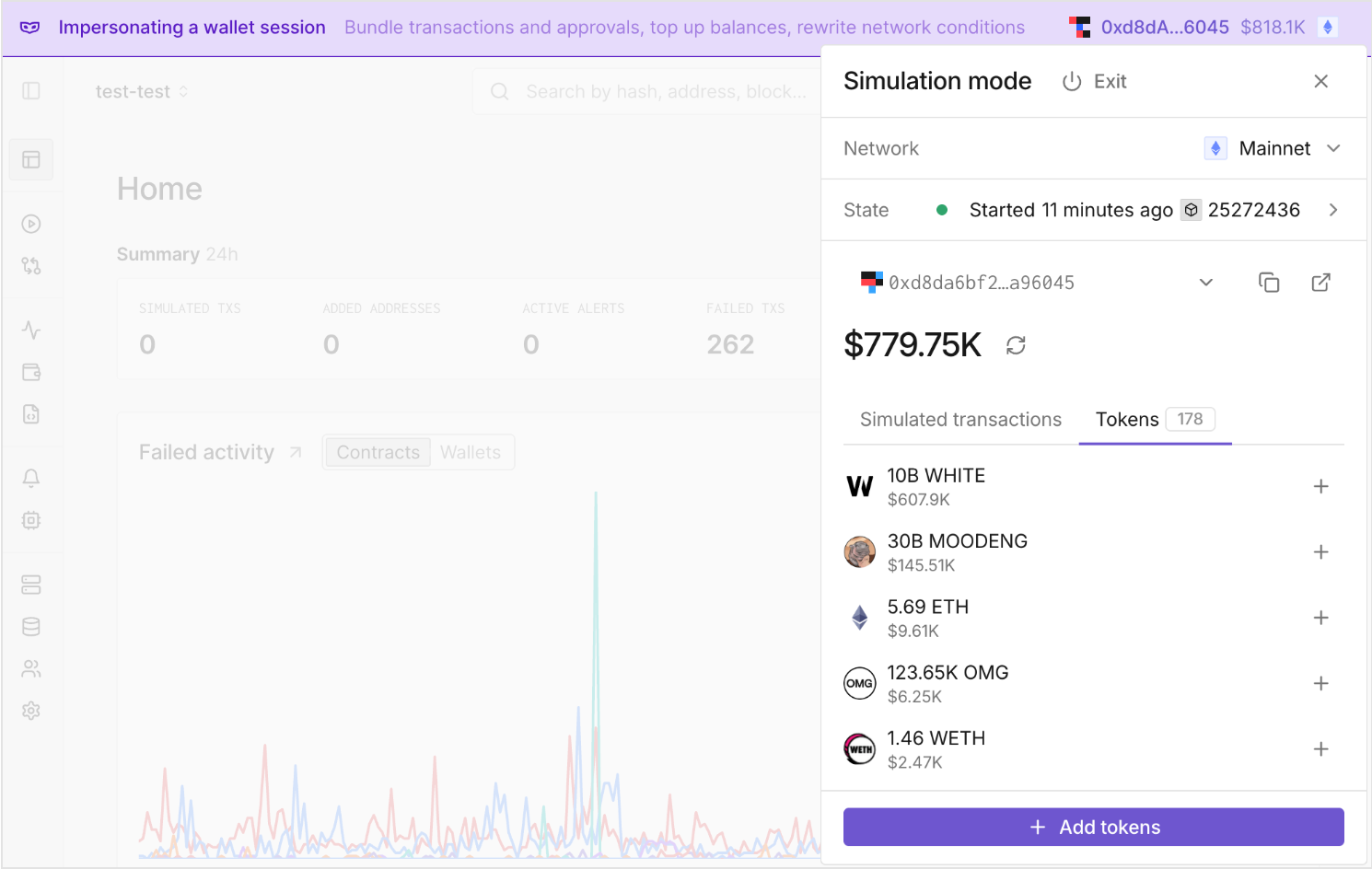
Test custom scenarios in a safe environment by impersonating wallets directly from the Tenderly Dashboard. Enable Simulation Mode for wallets within your projects, or paste any address you need directly from the top navigation bar.
Act against the exact state you need. Choose a specific network, adjust the block and position within that block, gas, gas price, and value. Fund the wallet with any token in any amount you need to avoid insufficient-funds errors.
Mimic the real user intent
Understand the real intent behind any user action by simulating interconnected steps, such as approvals, swaps, and checks, with each simulation relying on the previous step.
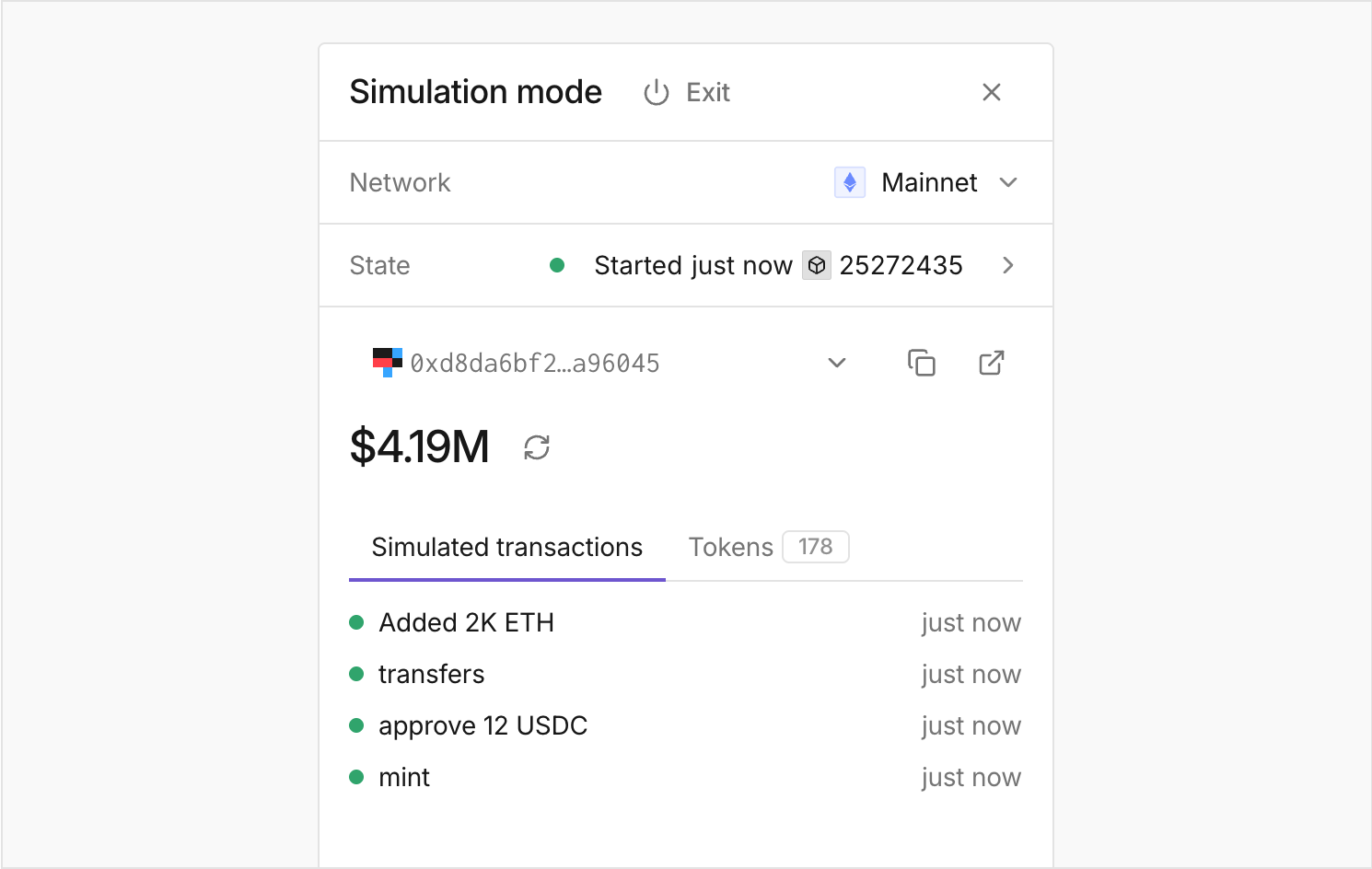
All the steps are chained while you’re in Simulation Mode, with a Virtual Environment created in the background. Open the Virtual Environment RPC to inspect and debug all the executed simulations with a cumulative result.
Simulate across the dashboard
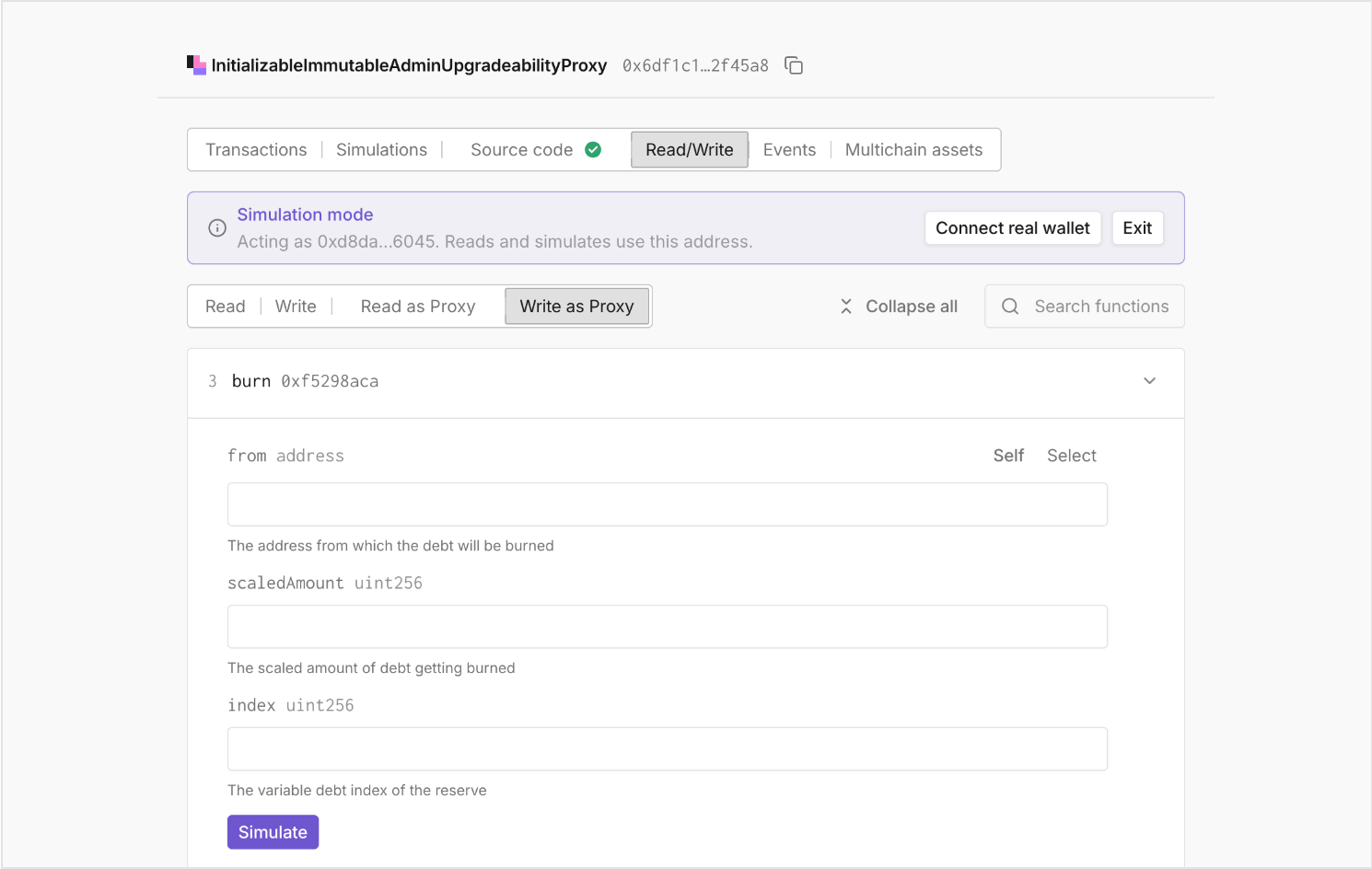
Act in Simulation Mode across the Tenderly Dashboard. Simulate read and write calls to specific contracts, with the From address automatically filled. Resimulate any specific transaction as the wallet you’re impersonating. Or simply impersonate a wallet from its dedicated page.
Test against real protocol positions
See a wallet's real position in a protocol to model different onchain actions.
Open the Wallet 360 tab on DeFi Modules for Aave, Uniswap, and Morpho to see the wallet's positions, including supply and borrow positions with APY, health factor, collateral, rewards, and balances over time.
Simulate actions such as deposits and borrowing against the actual conditions of the wallet.
Switch networks and sessions
Move across chains, with a list of networks sorted based on the wallet’s value. One session is saved per wallet and network.
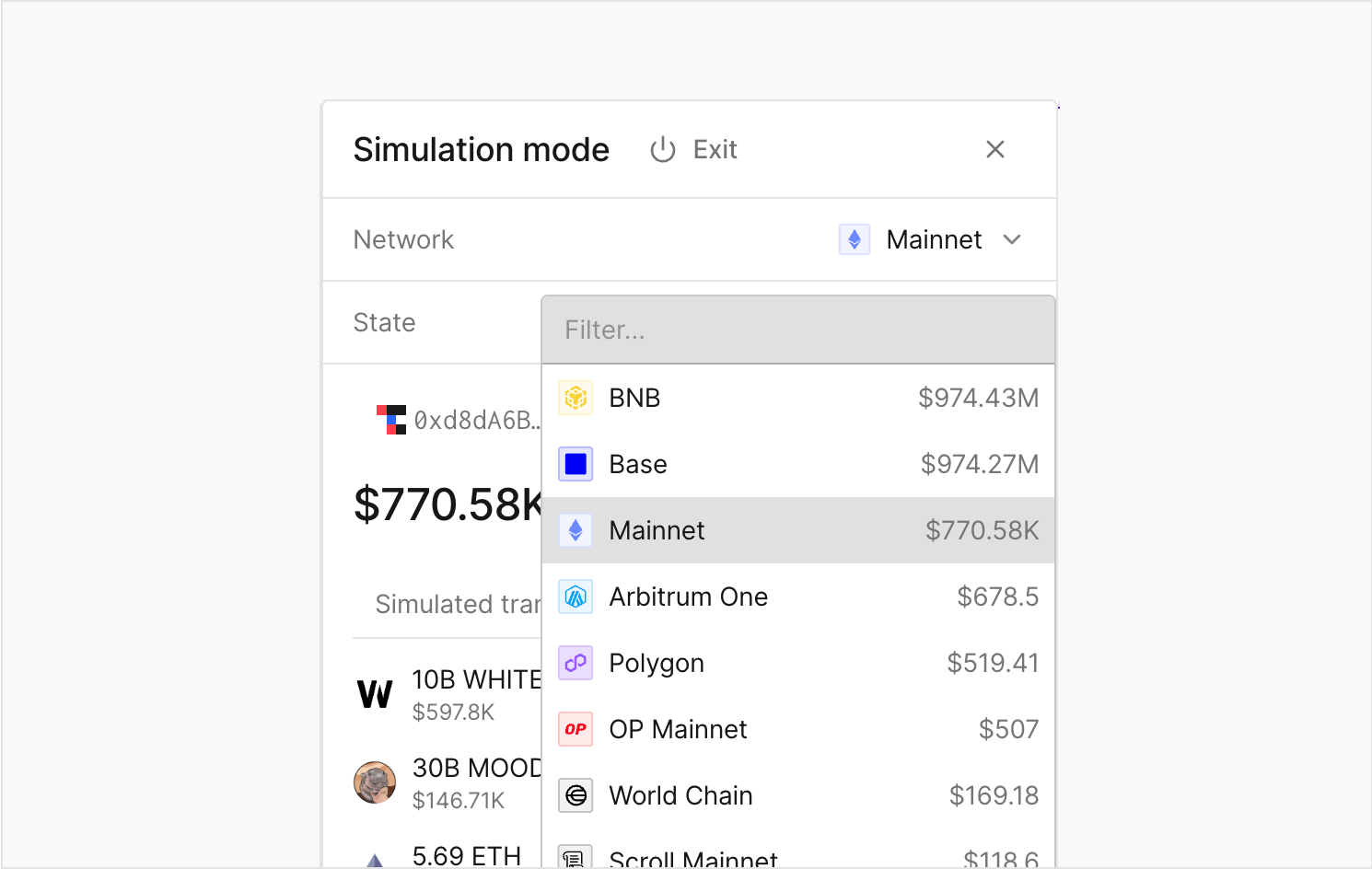
Switch networks to start a fresh session while preserving the previous one. Also, reset a session at any time.
Model onchain actions as any wallet
Understand the full context behind a wallet’s onchain interactions or model different scenarios in a simulated environment. Impersonate a wallet, set its state and balances, and run simulations across every page in the Tenderly Dashboard to preview the outcome as if in production.